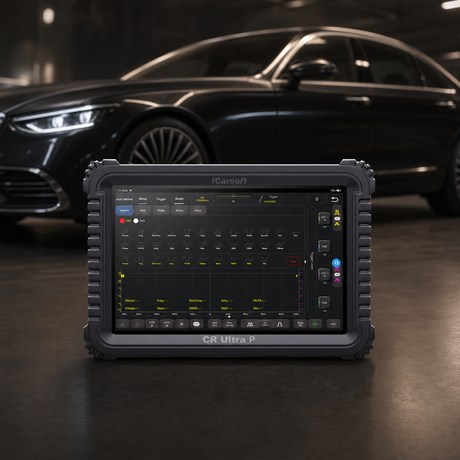
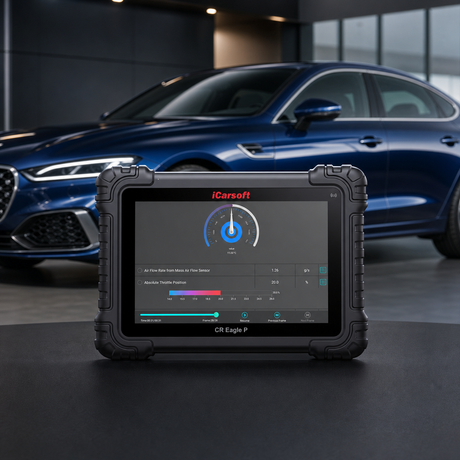
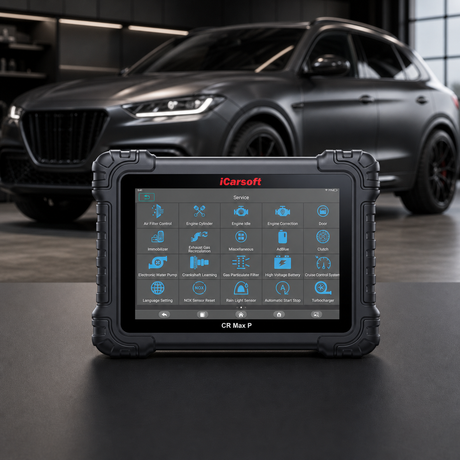
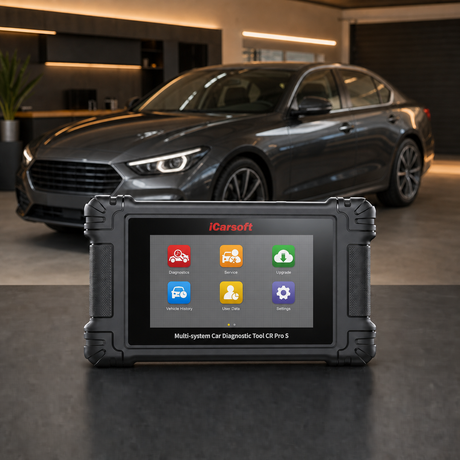
icarsoft Software Update

Which Scanner Is Right for Your Vehicle? Let Us Help →

PC software update center

Update your iCarsoft on a computer.

Find the correct updater for scanners that connect to a Windows computer or supported Mac, then follow the model-specific instructions.

  • iCarsoft download resources
  • Model and serial lookup
  • Windows and supported Mac

Start with your device

Find the correct computer update path.

Search by model or enter the serial number printed on the device. Serial prefixes are matched locally and are not sent to another server.

01

Computer and internet connection

02

Original USB cable

03

Stable device power

04

Do not disconnect while updating

17 update paths available

Legacy updater

Legacy update path

First-generation scanners

Legacy updater for the first-generation serial-number families.

Works with

First-generation iCarsoft handheld scanners

Match the serial prefix before installing this legacy utility.

Windows + Mac

Motorcycle scanners

Supported MT motorcycle scanners

Computer update client for supported MT-series motorcycle diagnostic tools.

Works with

Supported iCarsoft MT-series scanners

Confirm the exact MT model by serial number before downloading a separate package.

Serial-specific firmware

Legacy update path

i810

Legacy update resources for i810. Firmware language packages vary by serial number.

Works with

iCarsoft i810

Use the serial lookup below before downloading a BIN or language package.

Serial-specific firmware

Legacy update path

i811

Legacy update resources for i811 with multiple firmware revisions.

Works with

iCarsoft i811

Use the serial lookup below to select the correct firmware revision.

Language-specific firmware

Legacy update path

i910

Legacy BMW scanner with separate language packages.

Works with

iCarsoft i910 for BMW

Use the serial lookup below to choose the correct language package.

Serial-specific firmware

Legacy update path

i911

Legacy BMW scanner with multiple supported firmware revisions.

Works with

iCarsoft i911 for BMW

Use the serial lookup below to select the correct firmware revision.

Serial-specific firmware

Legacy update path

i912 / i910-II

Legacy BMW update path for the i912 / i910-II serial family.

Works with

iCarsoft i912, i910-II

Use the serial lookup below before installing firmware.

Language-specific firmware

Legacy update path

i913

Legacy BMW scanner with separate language and firmware packages.

Works with

iCarsoft i913 for BMW

Use the serial lookup below to choose the correct language package.

Update safely

From model number to latest software.

Download only the updater shown for your device. Keep the scanner connected until the utility confirms completion.

  1. 01

    Find the serial number

    Check the label on the back of the device or the original product packaging.

  2. 02

    Match the update path

    Enter the serial number below to identify available software and support.

  3. 03

    Connect and finish the update

    Keep the scanner connected until the utility confirms completion.

Can't find your device? Search iCarsoft resources by serial number. Open serial lookup

Use the iCarsoft-hosted lookup for older, region-specific or firmware-sensitive devices. It is the safest fallback for exact serial-number packages.

iCarsoft update serviceSerial-number lookup

Update availability varies by model. Keep the device connected until the updater confirms completion.